
Z31/Brakelampsstuck php
Auto-imported article. This page was generated by the Z31 Library import pipeline from forum sources{{#if: | in category {{{category}}} | }}. The text was synthesized by an LLM and has not been hand-verified. Please correct errors and remove this banner once reviewed.
{{#if: | [[Category:Auto-imported — {{{category}}}]] | }}
Z31 Brake Lamps Always On

So you get out of your car and you see your brake lights will not go off. This is usually a easy fix.
Easy Fix
First thing you want to do is look at you pedel assembly. You should see two clear plastic stoppers in the assembly as show below.
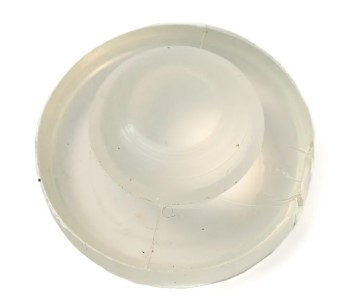
If you don't you will need to order the following parts: 2 of Clear plastic stopper
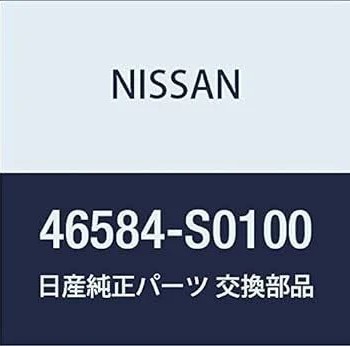
Order these parts from you Nissan dealer Or from XenonZcar
Brake Light Sensor Fix
This fix isn’t difficult due to the actual repair itself, but rather because of locating the correct sensor module. One of the most common causes for brake lights to stay on or not turn on at all is the Lighting Control Module located in the rear hatch compartment—either near the spare tire or attached to the right tail light assembly.
Over the years, Nissan used three different sensors, shown below:
| Image | Years | |---|---| | (coming soon) | 1984–1985 Black Sensor | ![]() | 1986 only Pink Sensor | | (coming soon) | 1987-1989 White Sensor |
✅ The fix: Simply replace your waterlogged sensor with a known good or new replacement sensor. You can get them through various parts suppliers Like Vintage Z Parts
Sources Used
- 1984-1989 Nissan Factory Service Manual